
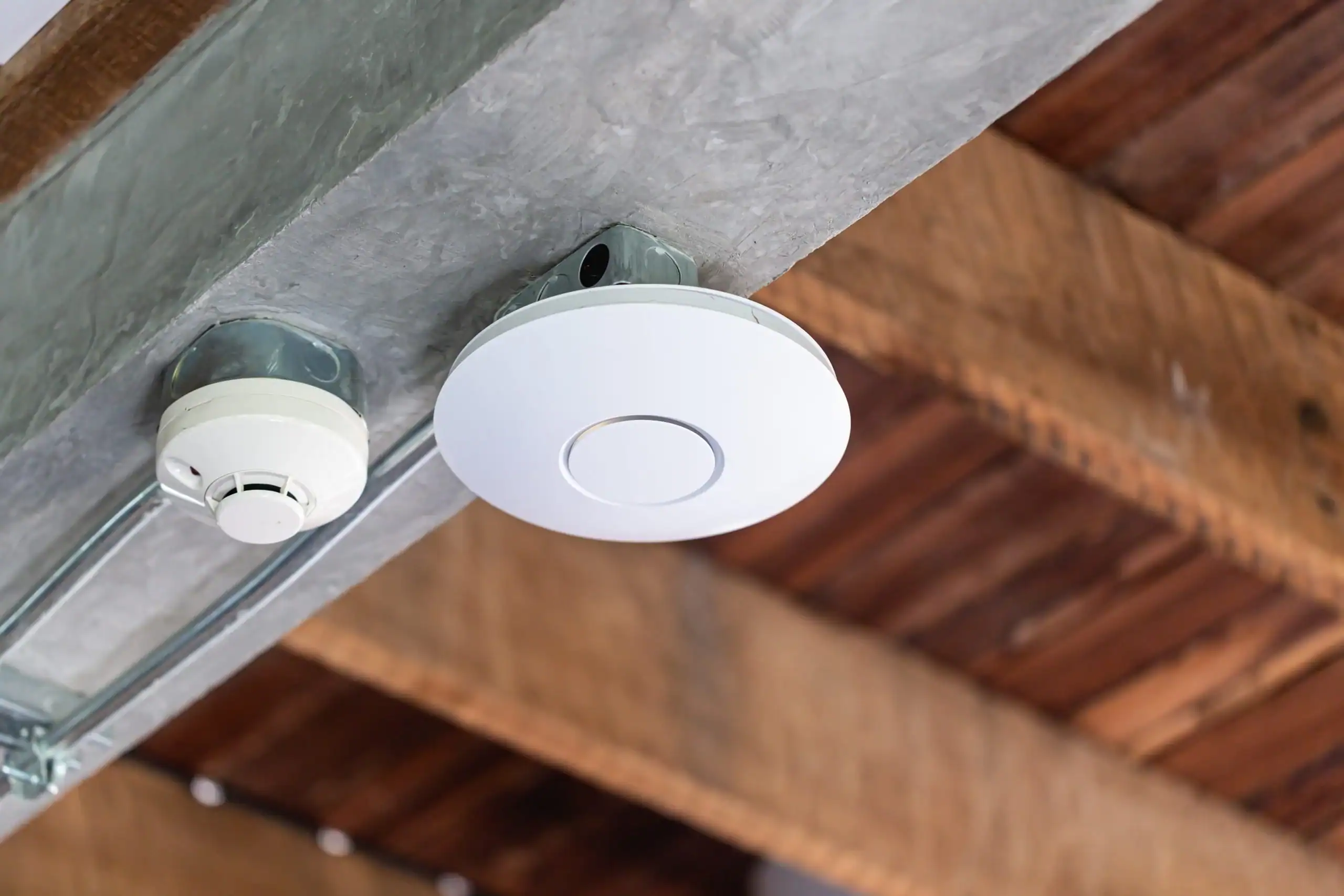
Wi-Fi jak krwiobieg firmy
Dziś, gdy praca biurowa w dużej części przeniosła się do Internetu — od Zooma, przez Teams, aż po SaaS-owe CRM-y — stabilne i szybkie Wi-Fi przestało być wygodą, a stało się koniecznością. W małych firmach często inwestuje się w przystępne sprzęty konsumenckie jak Ubiquiti UniFi czy TP-Link, które są łatwe w konfiguracji i tanie. Ale czy to wystarczy, gdy w biurze robi się tłoczno, użytkowników przybywa, a krytyczne aplikacje przestają działać po Wi-Fi?W tym wpisie tłumaczymy, dlaczego warto dopłacić do porządnego sprzętu klasy HPE Aruba, który zapewnia lepsze zarządzanie, automatyczną optymalizację i niezawodną pracę nawet przy dużym zagęszczeniu klientów.
Czemu tanie urządzenia zaczynają się męczyć
Rozwiązania takie jak Ubiquiti UniFi czy TP-Link sprawdzają się w biurach do ~20 osób — oferują lokalny kontroler, tryby mesh, przyzwoitą przepustowość i dobre ceny. To dlatego są popularne. Ale w biurze gdzie kilkadziesiąt osób korzysta jednocześnie z Wi-Fi na różnych urządzeniach, pojawiają się problemy:
– Brak centralnej diagnostyki — problem wykrywasz dopiero po zgłoszeniu.
– Roaming nie działa płynnie — użytkownik przechodzi między AP, a połączenie się „zrywa” lub opóźnia.
– Brak automatycznego wyboru pasma – użytkownicy siedzą zawsze na 2.4 GHz, nawet gdy 5 GHz jest dostępne.
-Interferencje w biurze – urządzenia Bluetooth, komórki, inne AP mogą zakłócać sygnał.
Aruba — co mają, czego brakuje większości budżetowych AP?
Sprzęt Aruba (np. linie Instant On, Enterprise) projektowany jest z myślą o biurach, szkołach i dużych przestrzeniach publicznych. Oto kilka wyróżniających się funkcji:
– ClientMatch – automatyczne przypisanie urządzenia do najlepszego AP i pasma.
– AirMatch – inteligentne skanowanie pasm i dynamiczne unikanie zakłóceń w środowisku Wi-Fi pełnym urządzeń.
– Beacons – lokalizacja wewnętrzna, efektywne zarządzanie przestrzenią i urządzeniami IoT.
– Zaawansowana kontrola pasma i ruchem przez Aruba Central (kontroler w chmurze).
Porównanie: Aruba vs. Ubiquiti
W analizie bloga Router-Switch zauważono, że oba systemy oferują MU-MIMO i mobilne transfery rzędu 2,5 Gb/s, ale Aruba ma przewagę dzięki ClientMatch i “Beacon Technology” — co przekłada się na stabilniejszą pracę przy dużym ruchu.
W testach porównawczych sprzęt Wifi 6 (AP-535 vs U6 Pro), opublikowanych na blogu Game & Tech Focus, Aruba i Ubiquiti osiągnęły zbliżoną przepustowość maksymalną — ale Aruba lepiej zarządzała rozdziałem obciążenia i jakością połączenia przy roamingu.
Kiedy tanie rozwiązania to wciąż dobra opcja?
Nie każda firma potrzebuje profesjonalnych urządzeń. Ubiquiti czy TP-Link sprawdzi się znakomicie jeśli:
– Masz mały zespół (< 20 osób).
– Priorytetem jest budżet i łatwość konfiguracji.
– Przestrzeń nie jest zatłoczona, a ruch niewielki.
Ale jeśli wymagasz:
– bezproblemowego roamingu,
– stabilności przy dużej liczbie klientów,
– lepszej diagnostyki i zarządzania (np. przez chmurę),
— to warto zainwestować w rozwiązanie klasy Aruba.
W ITmafia nie instalujemy sprzętu „na styk”, który działa, ale nie daje spokoju. Stawiamy na:
– Infrastrukturę przyszłościową – Wi-Fi 6, ClientMatch, inteligentne zarządzanie pasmem.
– Wyższą niezawodność – stabilność działania przy intensywnym użytkowaniu.
– Proaktywne monitorowanie – widzimy, zanim klient zdąży powiedzieć „zawiesiło się”.
Dla nas nie liczy się tylko dziś, ale też stabilność i rozwój firmy za 3, 5 i 10 lat.





Comments are closed