Wyobraź sobie sytuację: klinika stomatologiczna. Pacjent czeka, a pracownik nie może sprawdzić jego historii medycznej. Rejestracja i płatności nie działają, a wszystkie wizyty trzeba odwołać…
Awaria po stronie operatora sparaliżowała ten niewielki biznes, bo bez internetu nie działało nic. Sfrustrowani pacjenci opuszczają klinikę, a w drodze do domu wystawiają w sieci niepochlebną opinię na Twój temat.
Na szczęście są sposoby, by zminimalizować ryzyko takich scenariuszy. Ten poradnik napisaliśmy z myślą o właścicielach biznesów, którzy nie zgadzają się na sytuacje, które nie powinny występować w czasach, gdzie dostęp do Internetu jest równie niezbędny jak prąd i bieżąca woda.
Trochę danych
W Europie i na świecie koszty przestojów w działaniu to już miliardowe kwoty:
– Według artykułu opublikowanego na portalu IT Pro, firmy w Wielkiej Brytanii straciły w 2023 r. ponad £3,7 mld i ponad 50 mln godzin działania z powodu zakłóceń w dostępie do internetu.
– Badanie Catchpoint/Forrester z 2025 r. wskazuje, że przeciętna firma doświadcza nawet 72 przerw miesięcznie, a 42 % firm traciło w ciągu jednego miesiąca ponad 500 tys. USD.
– Ponadto globalne przedsiębiorstwa tracą rocznie miliardy – bo 10 godzin awarii IT kosztuje firmy z USA blisko 26,5 mld USD, a w Europie straty często są nawet wyższe.
To dane, które uświadamiają, że przerwy internetowe to nie fanaberia — to realne zagrożenie dla produktu, reputacji i przychodów.
“Dobre planowanie, usługi o większej przepustowości i wsparcie ekspertów są obecnie niezbędne, aby ograniczyć ryzyko awarii Internetu i związanych z nią strat finansowych.”
– Sonia Blizzard, managing director w Beaming, wiodącego operatora usług telekomunikacyjnych w Wielkiej Brytanii
Jak przygotować biznes na awarie internetu?
Po pierwsze: renegocjacja warunków z operatorem
Renegocjację umowy warto rozpocząć od przyjrzenia się, czy operator oferuje SLA, czyli Service Level Agreement. To nic innego jak zapis w umowie, który określa gwarantowany poziom dostępności łącza oraz zasady reagowania na awarie. Dobrze skonstruowane SLA powinno jasno definiować minimalny poziom dostępności usługi w skali miesiąca lub roku (np. 99,5% czy 99,9%), określać maksymalny czas reakcji na zgłoszenie oraz przewidywać czas usunięcia awarii – najczęściej w umowach pojawiają się widełki od kilku godzin w dni robocze do 24 godzin w przypadku poważniejszych usterek. W przypadku bardziej wymagających klientów operatorzy mogą też zaoferować szybsze czasy naprawy, np. do 4 godzin od momentu zgłoszenia, a także kary umowne lub rekompensaty finansowe, jeśli gwarantowany poziom nie zostanie dotrzymany. Jeśli Twój obecny dostawca internetu nie przewiduje w umowie SLA albo proponuje zapisy o bardzo długich terminach reakcji, warto rozważyć renegocjację kontraktu lub zmianę operatora na takiego, który lepiej zabezpieczy Twój biznes przed przestojami.
Przy okazji podpowiadamy, że parametry SLA są przeważnie niedostępne w wariantach usług kierowanych do klientów indywidualnych. Jest to usługa oferowana przeważnie w biznesowych abonamentach, więc warto zapoznać się z ofertą usług dla firm.
Po drugie: zapasowe łącze
Skutecznym sposobem na uniknięcie paraliżu firmy podczas awarii jest zapewnienie sobie zapasowego łącza internetowego. Najważniejsze, aby nie było ono zależne od tej samej infrastruktury co główne połączenie – w praktyce oznacza to, że jeśli korzystasz ze światłowodu, warto zadbać, by zapasowy światłowód wchodził do budynku z innej strony albo pochodził od innego operatora. Z doświadczenia wiemy, że operatorzy są w stanie wskazać drogę, którą ich kable wchodzą do budynku, np. na zrzucie ekranu z map Google. To przeważnie wystarczy, żeby określić, czy takie łącze zapasowe zapewni realną redundancję.
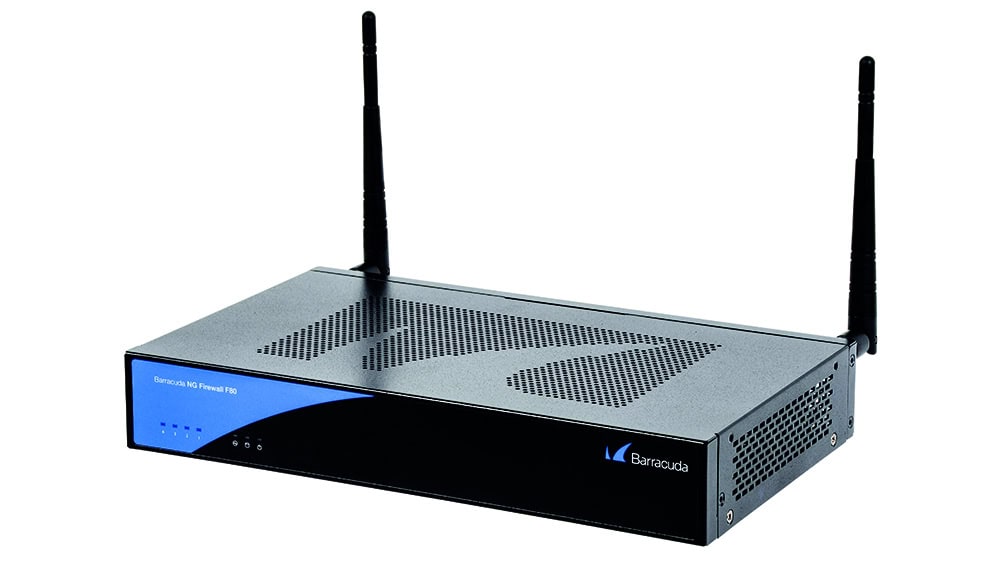
Alternatywą może być łącze radiowe, o ile masz możliwość instalacji anteny na dachu, lub dostęp mobilny LTE czy 5G, który w wielu przypadkach sprawdza się znakomicie jako rozwiązanie awaryjne. Gdy jednak sygnał GSM w Twojej lokalizacji jest słaby, można zwrócić się do operatora komórkowego o instalację wzmacniacza sygnału. Dzięki takiemu zabiegowi zapasowe łącze staje się realnym zabezpieczeniem ciągłości działania firmy, a nie tylko teoretycznym rozwiązaniem, które i tak nie zadziała w krytycznym momencie.







Comments are closed